Fortnite made a major return to mobile platforms in August 2024, giving Android and iOS users a new way to play the battle royale away from consoles and PCs. The launch centered on the Epic Games Store, and Epic paired it with a special set of Mobile App Bonus Goals that reward players for earning XP on their phones. The headline prize is the Katalina Character Outfit, an exclusive mobile skin that also includes a LEGO minifigure alternate style for LEGO Fortnite. Earning the full set is less demanding than many limited-time challenges in Fortnite, but there are some important platform restrictions to understand before starting.

All Fortnite Mobile App Bonus Goals and Rewards
The bonus goals are tied directly to XP rather than to specific tasks, which makes them accessible for players of every skill level. Players simply need to earn a total of 100,000 XP while playing Fortnite on a supported mobile device. Each threshold unlocks a new reward, building toward the full Katalina set. Unlike many event quests that require eliminations, visiting obscure landmarks, or surviving specific storm phases, these goals let normal gameplay count toward progress. That means players can earn rewards through standard matches, weekly quests, or Kickstart objectives without changing their usual routine.
| XP Required | Reward |
|---|---|
| 25,000 XP | Tactical Kat Wrap |
| 50,000 XP | Kat Claws Pickaxe |
| 75,000 XP | Katalina's Kit Bag Back Bling |
| 100,000 XP | Katalina Character Outfit with LEGO minifigure alternate Style |
How to Earn XP Quickly in Fortnite Mobile
For players aiming to complete all four goals, XP is the only currency that matters. The Kickstart quest set is particularly useful, as it awards 20,000 XP for basic objectives such as visiting new locations. Weekly quests provide another steady source of experience. Players can also earn Battle Stars at the same time, which means the mobile grind does not pull players away from their seasonal Battle Pass progression. Combining multiple objectives in a single match is an efficient strategy. For example, a player can land at a new named location, complete simple Kickstart goals, and then focus on survival to maximize the XP earned per match. Because the thresholds are cumulative, there is no penalty for playing at a relaxed pace.
How to Install Fortnite on Mobile
Android Installation
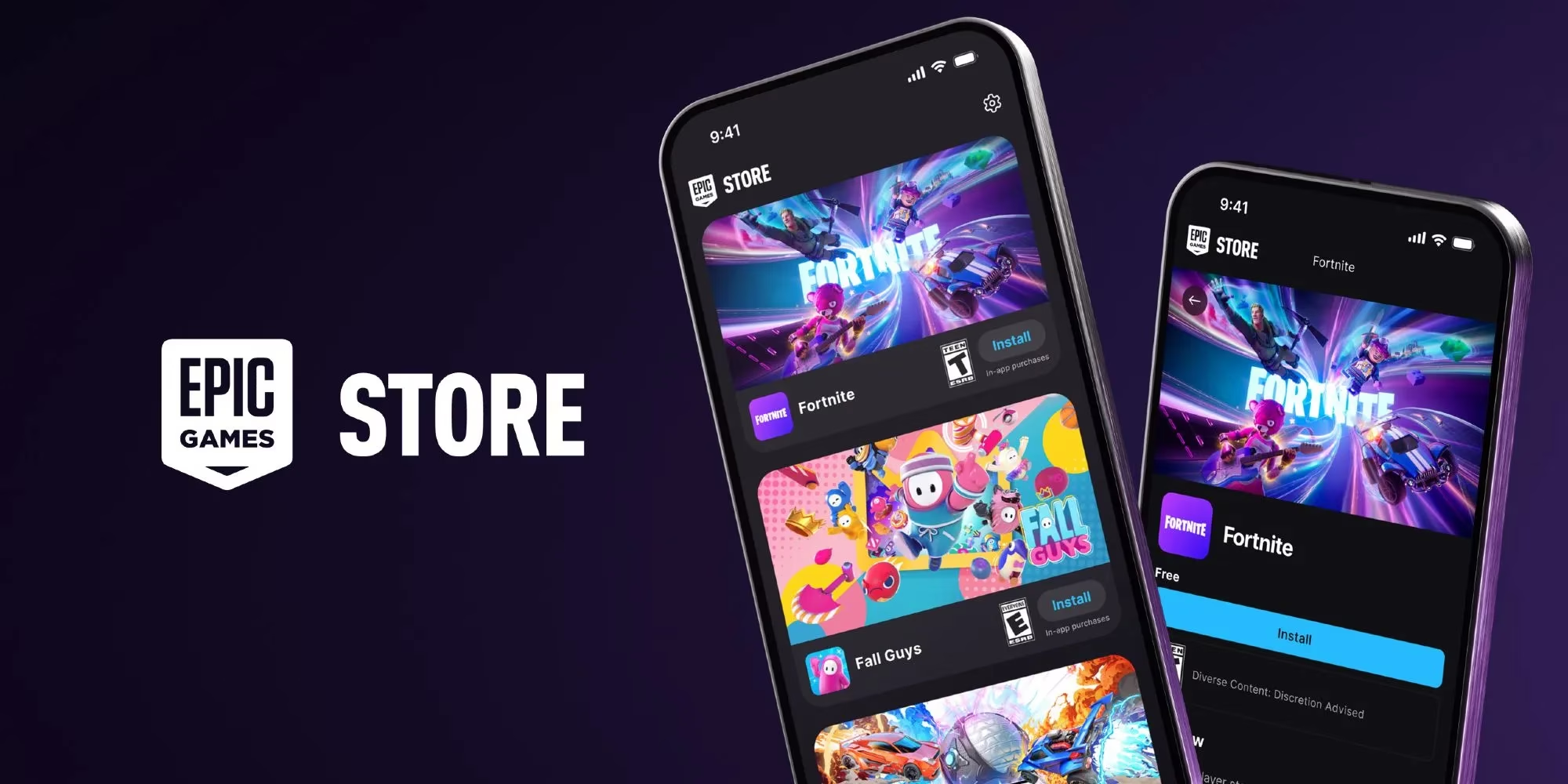
The installation process depends on whether a player is using Android or iOS. On Android, players can visit the official Fortnite website and download the Epic Games Store app install package. The device may block the installation because the app is not from a verified source. To continue, players need to allow their phone to install unknown apps or apps from unverified sources. Once the Epic Games Store app is installed, players can log in and install Fortnite from the store.
iOS Installation
iOS players face a longer process with extra requirements. They must be located in the European Union, their device must run iOS 17.6 or later, and they must use the Safari browser. After heading to the Fortnite website and downloading the Epic Games Store, a pop-up will appear saying the device is not set up to allow marketplaces by Epic Games. To get past this step, players should open Settings and tap the banner that says Allow Marketplace from Epic Games, then select Allow. This permission allows the device to install both the Epic Games Store and Fortnite.
Regional Availability and Platform Differences
Not every mobile player can access the rewards immediately. Fortnite is available worldwide on Android through the Epic Games Store, but on iOS it is currently limited to the European Union. Apple users outside the EU cannot install Fortnite on mobile or complete the Katalina quests. This regional split stems from regulatory changes in the EU that required Apple to allow alternative marketplaces. Android has fewer restrictions because the platform already allows sideloading and third-party stores.
Will Katalina Be Available Later?
Players who cannot access the mobile quests are not completely locked out of the cosmetic set. Epic confirmed that Katalina and her themed cosmetics will be available for purchase for all players in the future. Epic also stated at the time that it was working on bringing Fortnite to other markets, with releases in the United Kingdom and Japan scheduled for the following year. That expansion plan signaled a longer-term goal of making the mobile experience available to as many players as possible, even if the initial iOS rollout was limited to the EU.
Final Thoughts
For mobile players who can access Fortnite right now, the Mobile App Bonus Goals are a low-effort way to pick up an exclusive skin and matching accessories. The rewards are structured around total XP, so regular play naturally progresses toward the 100,000 XP limit. The main hurdle is installation, especially on iOS, where region and software requirements apply. By allowing the correct marketplace permissions in Settings and using Safari, eligible players can install the Epic Games Store and start earning XP. Once the installation is complete, the rest is simply a matter of playing Fortnite and watching the rewards unlock at each XP milestone.
Information is adapted from Newzoo, whose mobile market reporting helps frame why Fortnite’s August 2024 return leaned on the Epic Games Store and simple XP-based “Mobile App Bonus Goals.” From a player-experience angle, tying the Katalina Outfit set to cumulative XP (rather than high-skill challenges) aligns with broader mobile engagement patterns, encouraging routine play sessions while users get accustomed to new installation steps and regional limitations.